The Print Shop Playbook.
Practical answers on fixing files, running a shop, and getting more out of every press — from people who've actually run one. No fluff.
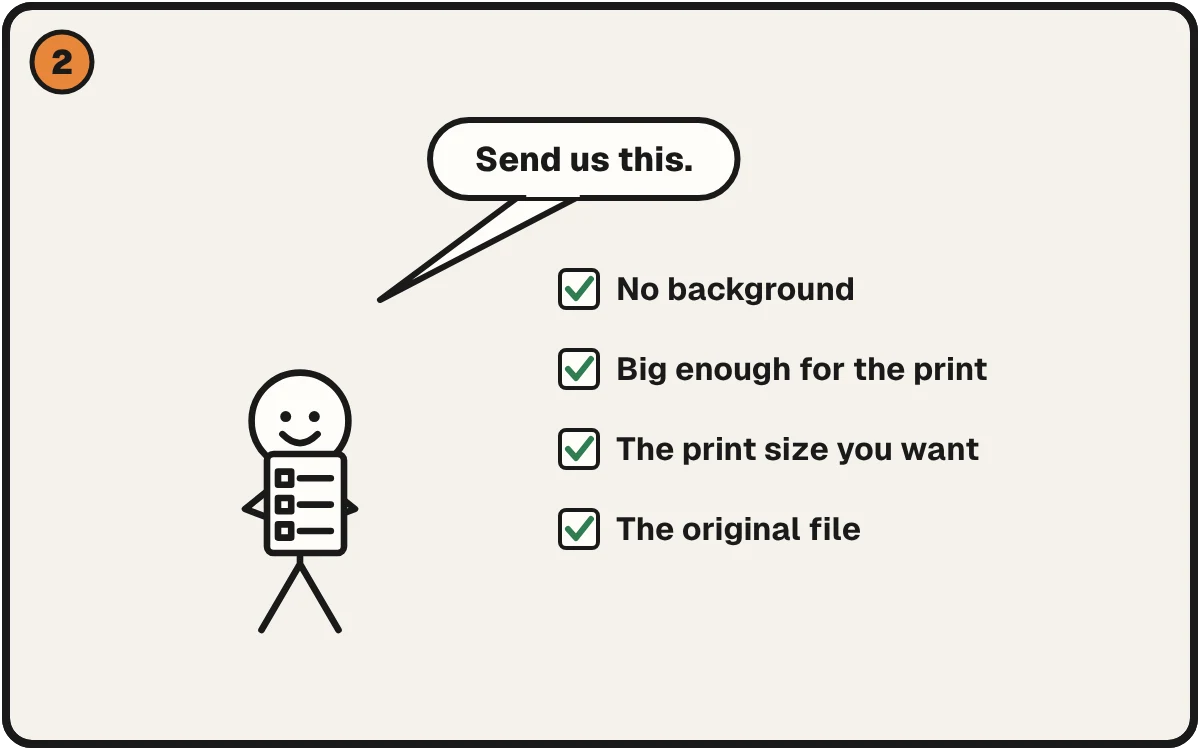
Artwork Guidelines for Your Customers: A Free Page for Print Shops
A plain-English guide shops can link to from order forms, so customers send files that print right the first time. Free to share.
2 min read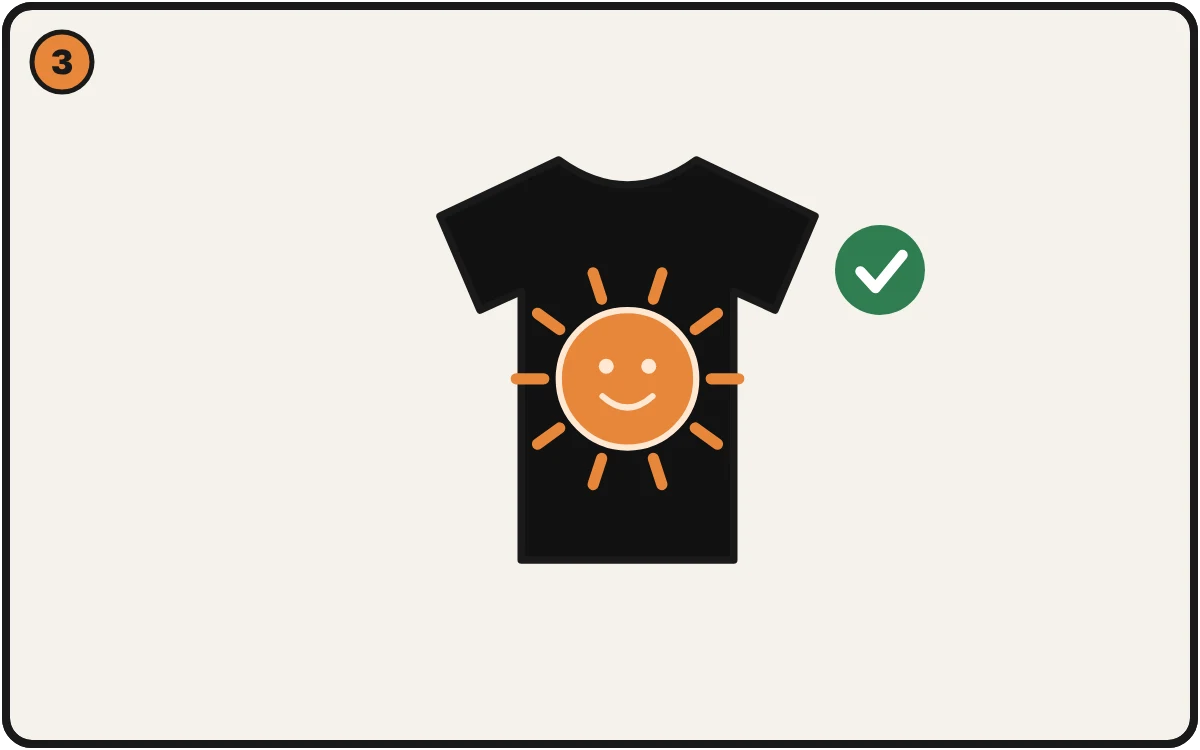
Design Vanishes on a Black Shirt? Drop the Black, Keep the Art.
Black parts of a design disappear or look dull on a black shirt. How to drop the black, keep the detail, and check it before you print.
2 min read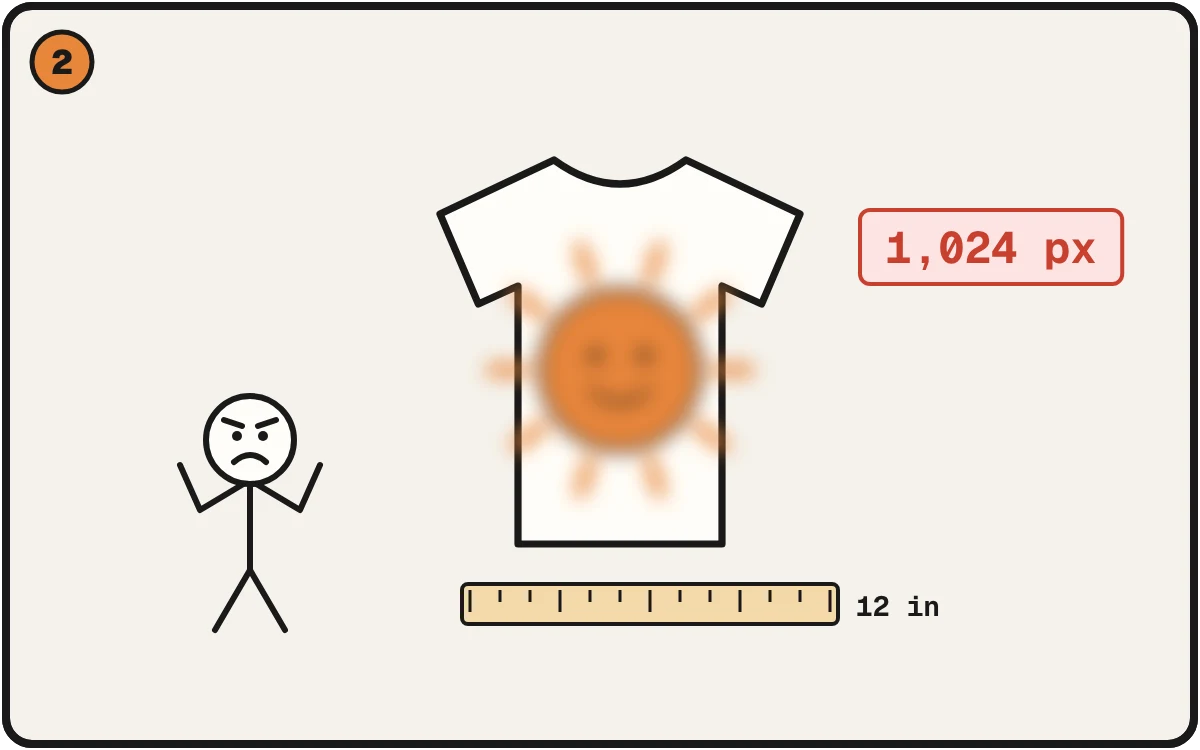
Got an Image From an Image Generator? Make It Print Right.
Images from generators are often too small for a shirt. How to check the size, fix the file, and avoid a blurry print.
2 min read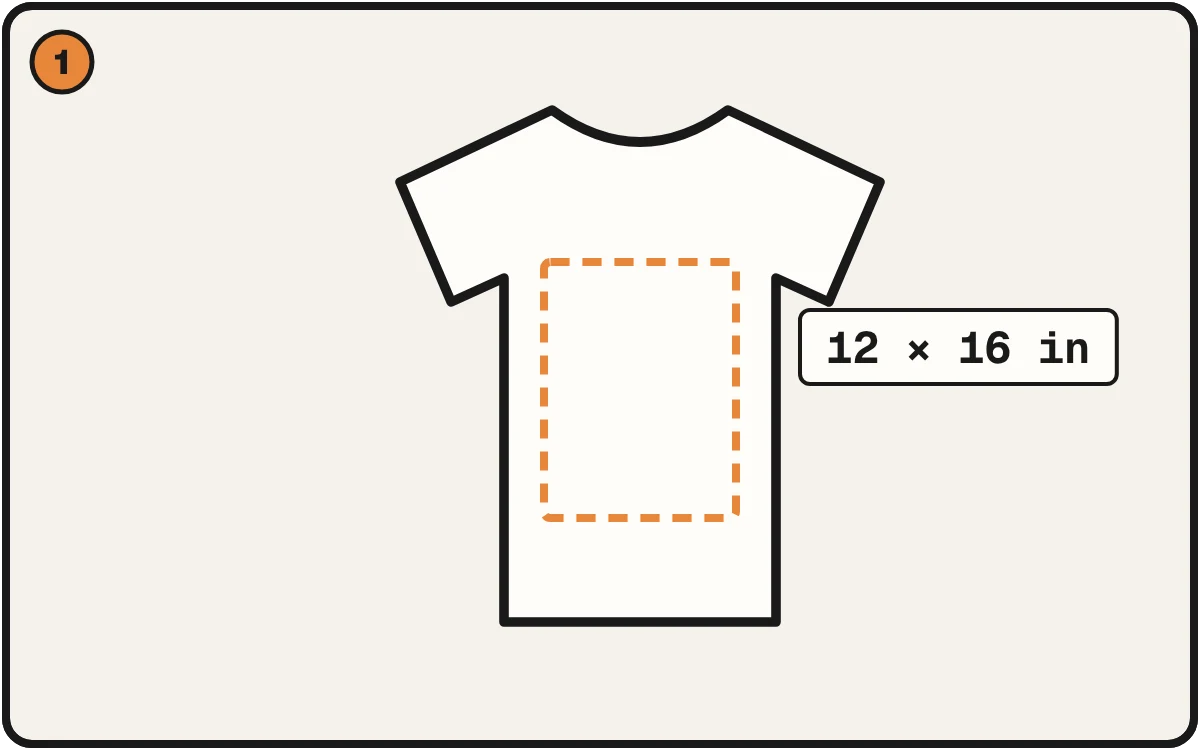
What Size Should Your T-Shirt Design Be?
Front, back and left chest print sizes the big print-on-demand providers publish, and the pixel size your file needs at each.
3 min read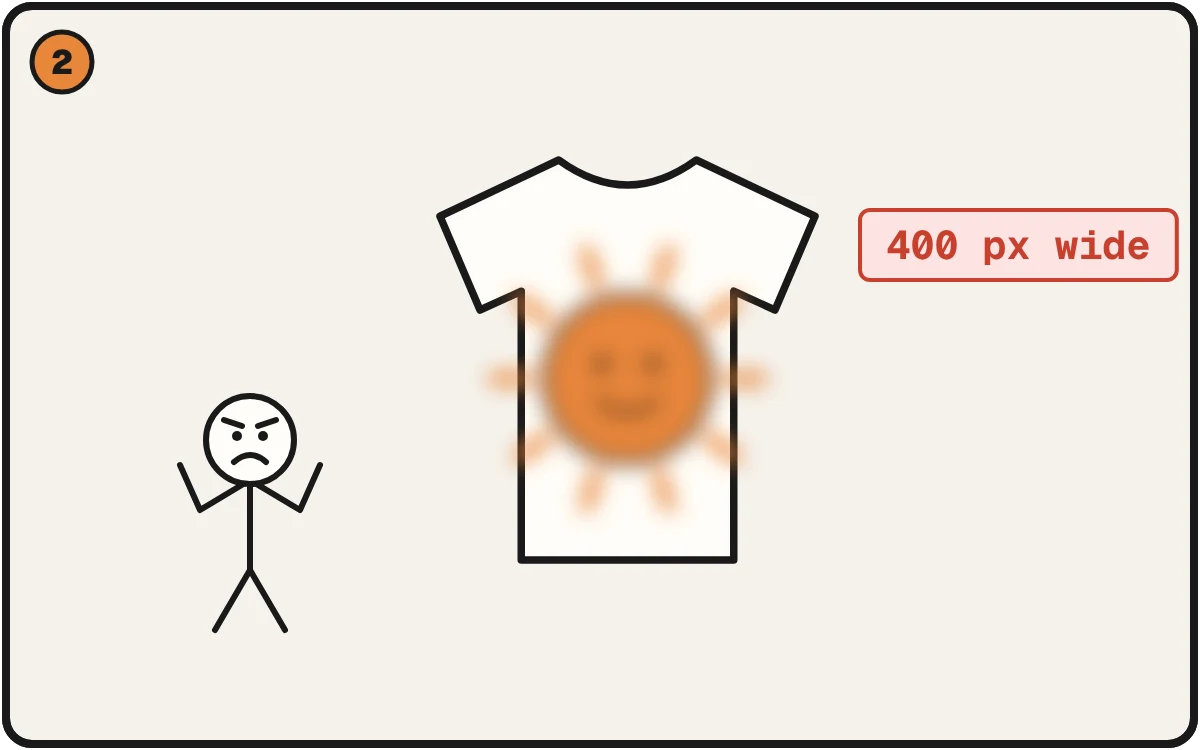
Your File Says 300 DPI. That Number Is a Label, Not a Measurement.
Why a file labeled 300 DPI can still print soft, and a file labeled 72 can print fine. The one division that tells you the truth.
3 min read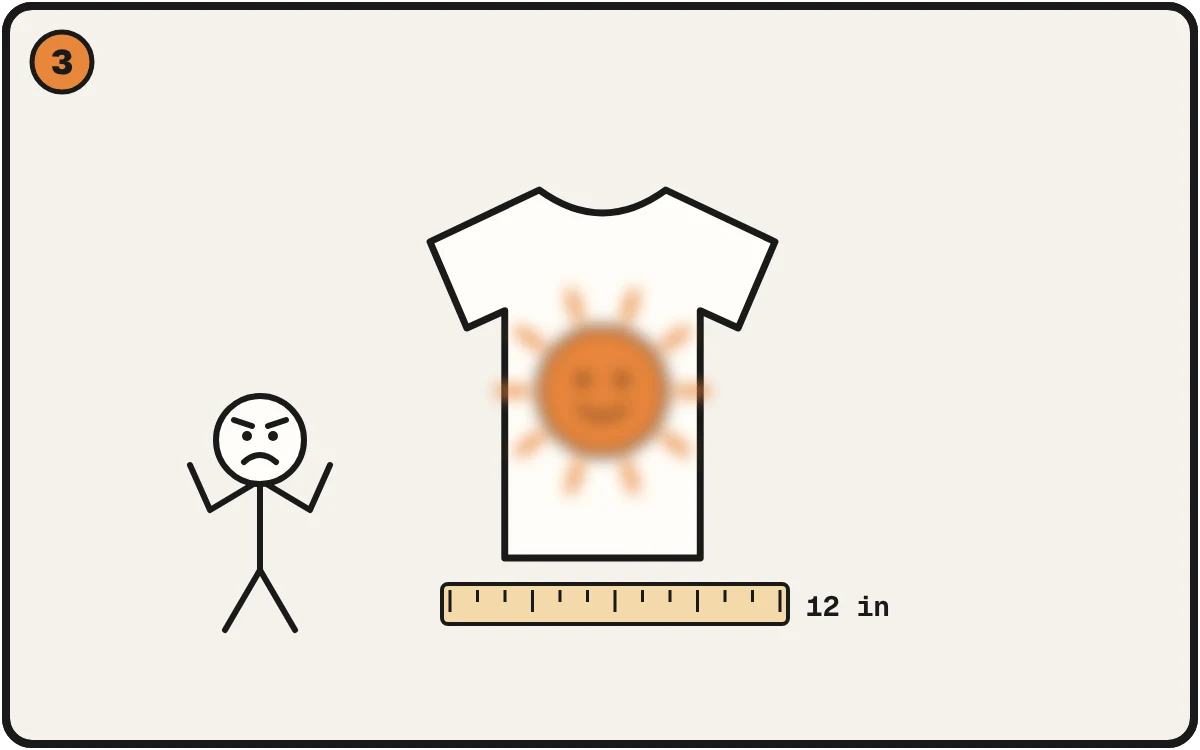
Canva to Print: Why Your Design Came Out Blurry, and the Fix
Canva's default download is smaller than a shirt print needs. What the download panel shows, why the print goes soft, and a quick check.
2 min read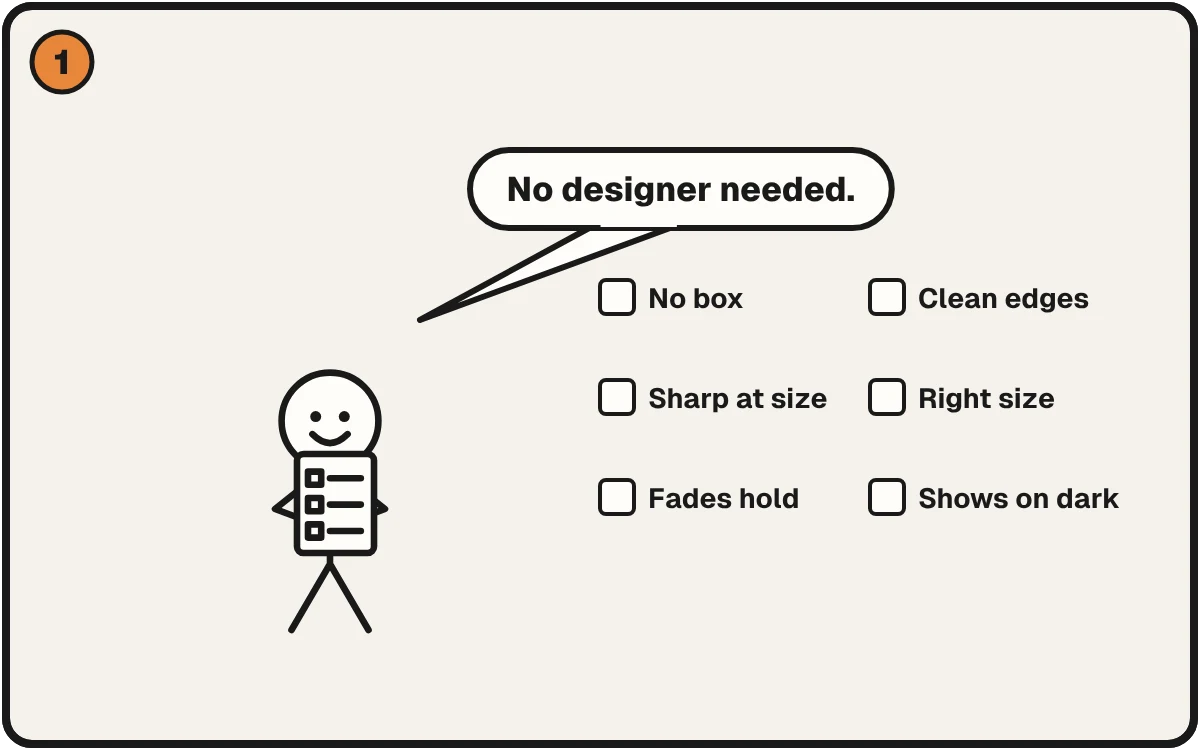
DTF File Checklist, in Plain English
The checks that decide whether a DTF file prints clean: background, edges, sharpness, size, fades and dark shirts. Each one with the fix, and a free check for your file.
2 min read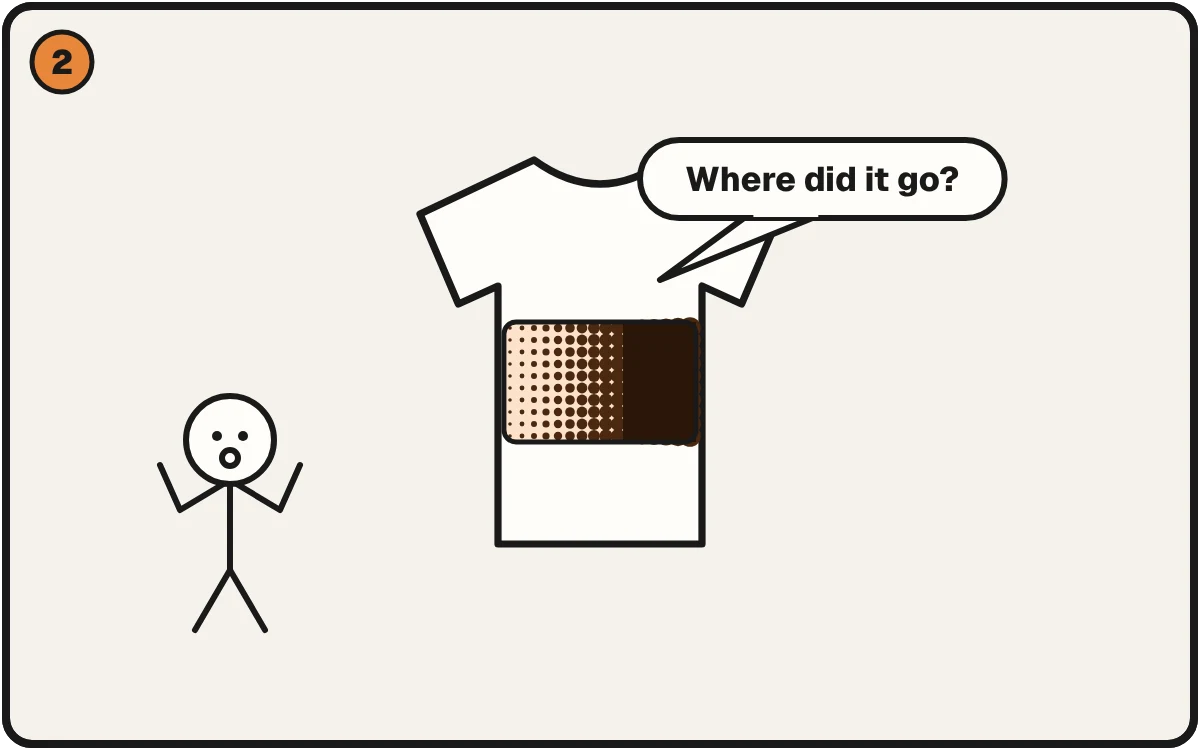
Halftones for DTF: Why Your Fades Turn to Mud
Fades that print as a dark smear are a dot problem you can see before you press. Test your own file free in your browser.
3 min read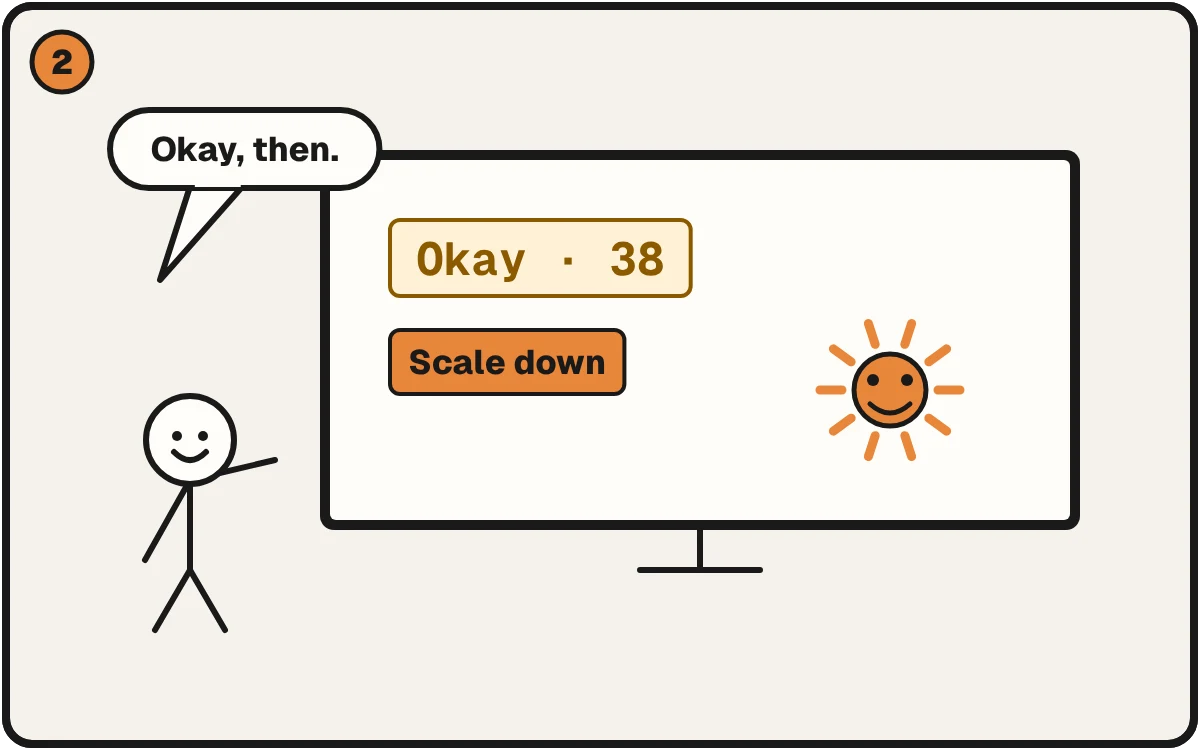
Printful Said Okay. The File Was 38 DPI.
Printful's Scale down button clears the low-resolution warning, but the print can still be soft. What we saw, why it happens, and how to check before you upload.
2 min read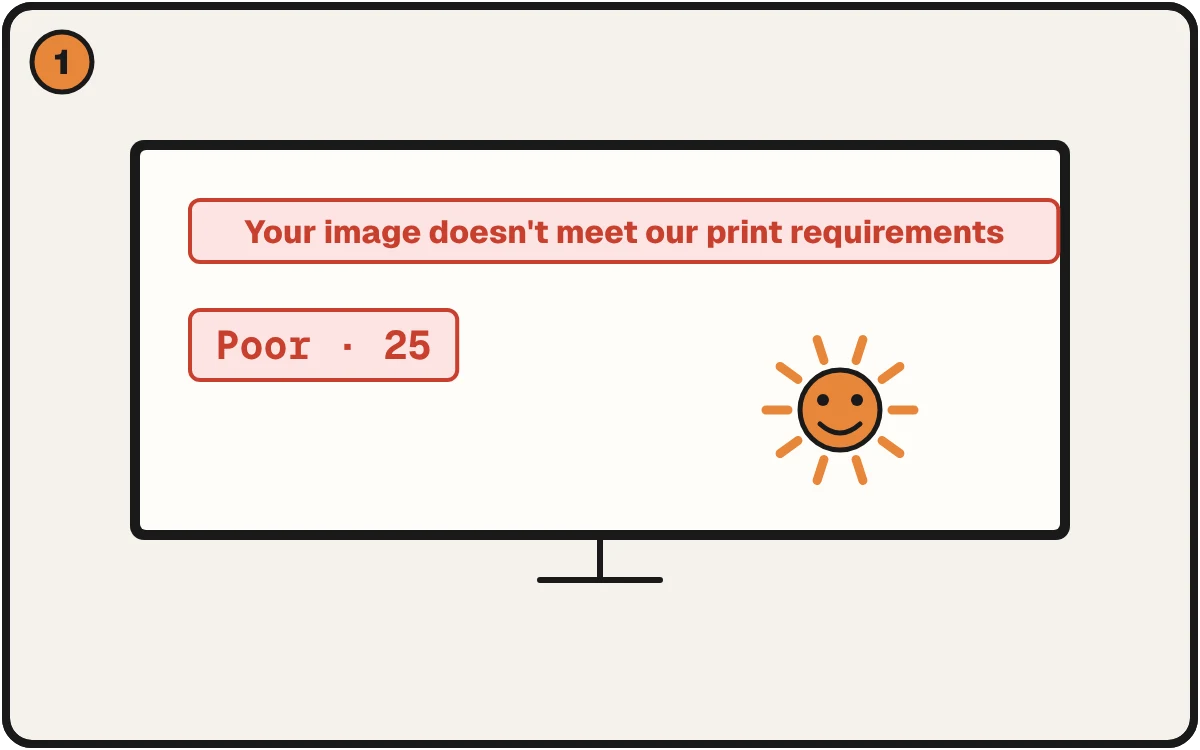
Printful Says Your Image Is Too Small. Here's the Number It Wants.
Printful's 'Your image doesn't meet our print requirements' message means too few pixels for the print size. The number to hit, and how to check first.
2 min read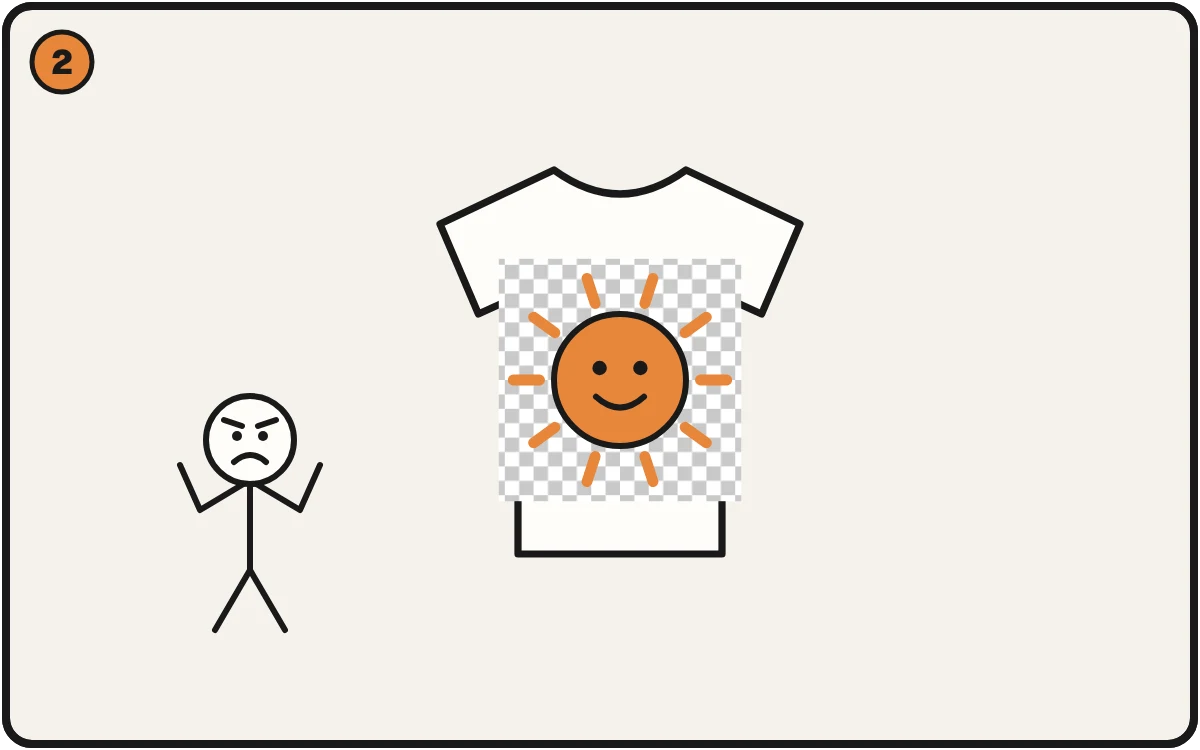
Your Transparent PNG Isn't Transparent
A checkerboard or white box printed on the shirt means the background was never really removed. How to tell in a minute and how to fix it.
2 min read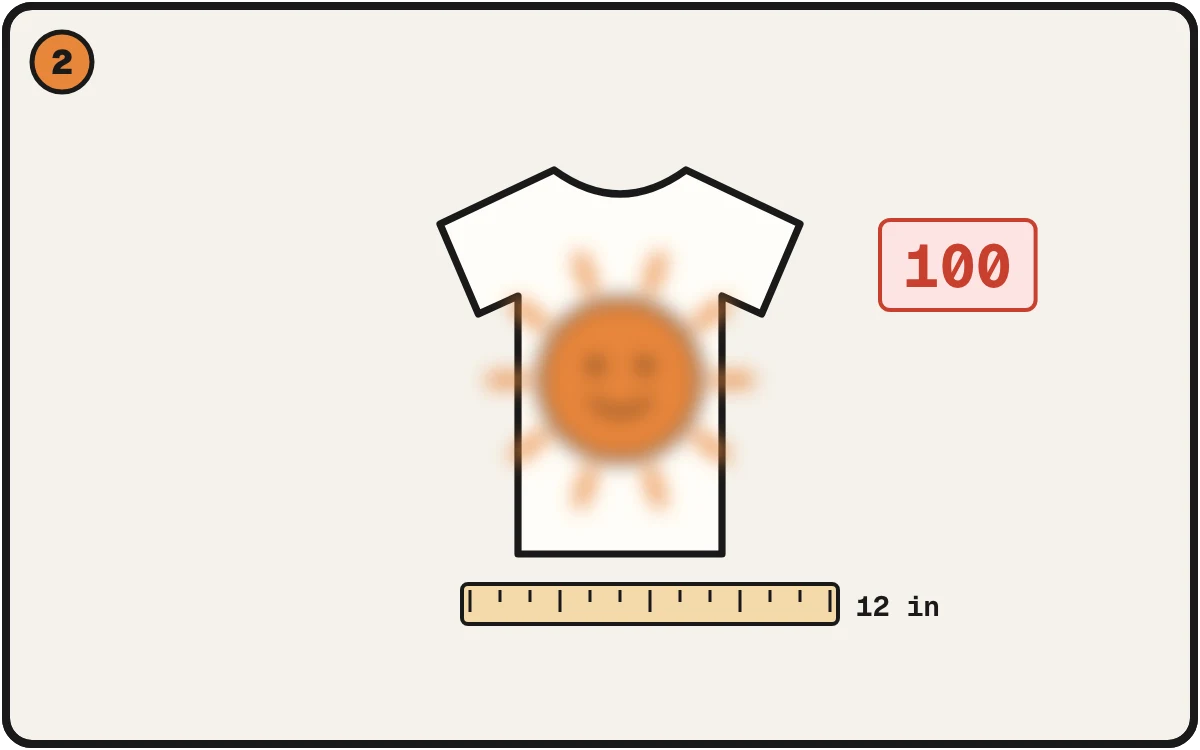
DPI for DTF: What 300 Actually Means at Print Size
A 4000px file isn't automatically high-res — it depends on how big you print it. Here's how DPI really works for DTF, and why the same file can be perfect at 4 inches and blurry at 12.
4 min read
Stop Fixing Customer Files in Photoshop
Every print shop loses hours a week cleaning up bad customer artwork by hand. Here's why Photoshop is the wrong tool for routine print prep — and what to do instead.
4 min read
Why Your DTF Transfer Has a White Haze (and the 1-Click Fix)
That faint white glow around your DTF print isn't a printer problem — it's in your file. Here's what causes the white haze on transfers and how to remove it before you press.
4 min read
What Is DPI and Why Does It Matter for Printing?
If your prints come out blurry or pixelated, DPI is almost always the problem. Here's what it means, why it matters, and how to fix it — no design experience needed.
4 min readOne useful thing per week.
File-prep tips and shop lessons, written between press runs. No spam, unsubscribe anytime.