Canva's default download is less than half the size a shirt needs. That's why your Canva design looked sharp on screen and printed soft.
On the screen, the design looks great.
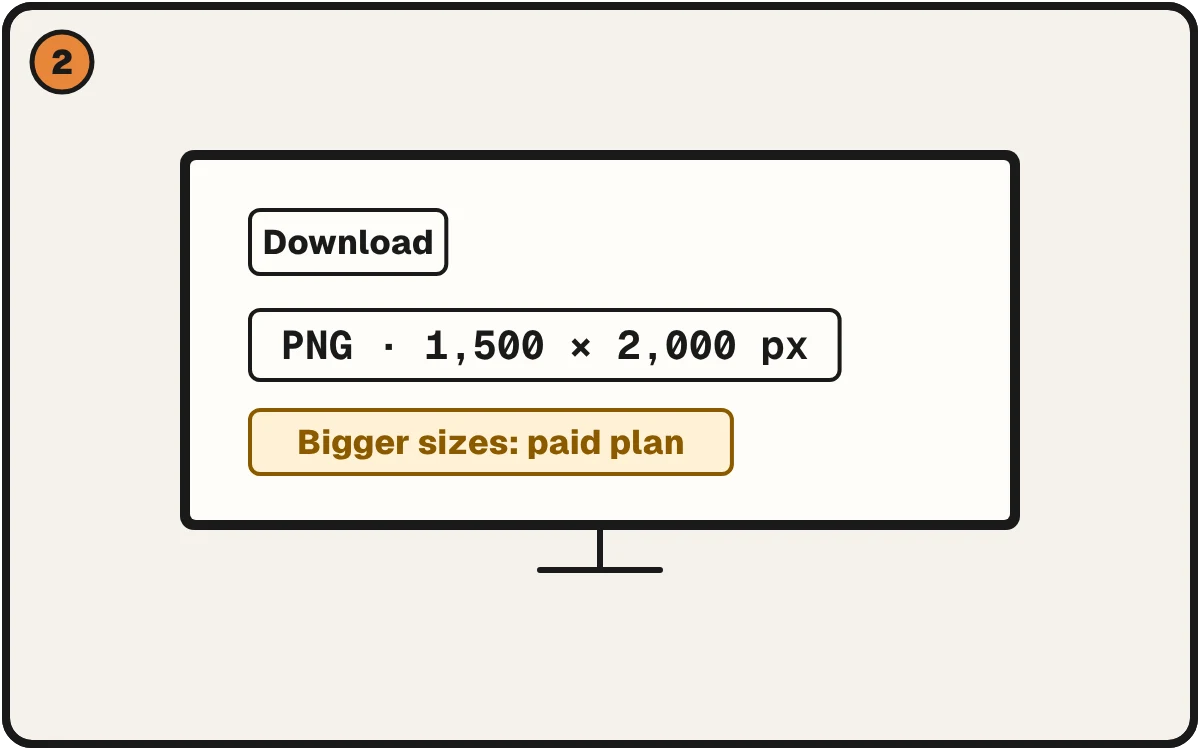
The free download is 1,500 pixels wide. A 12 inch shirt wants 3,600.
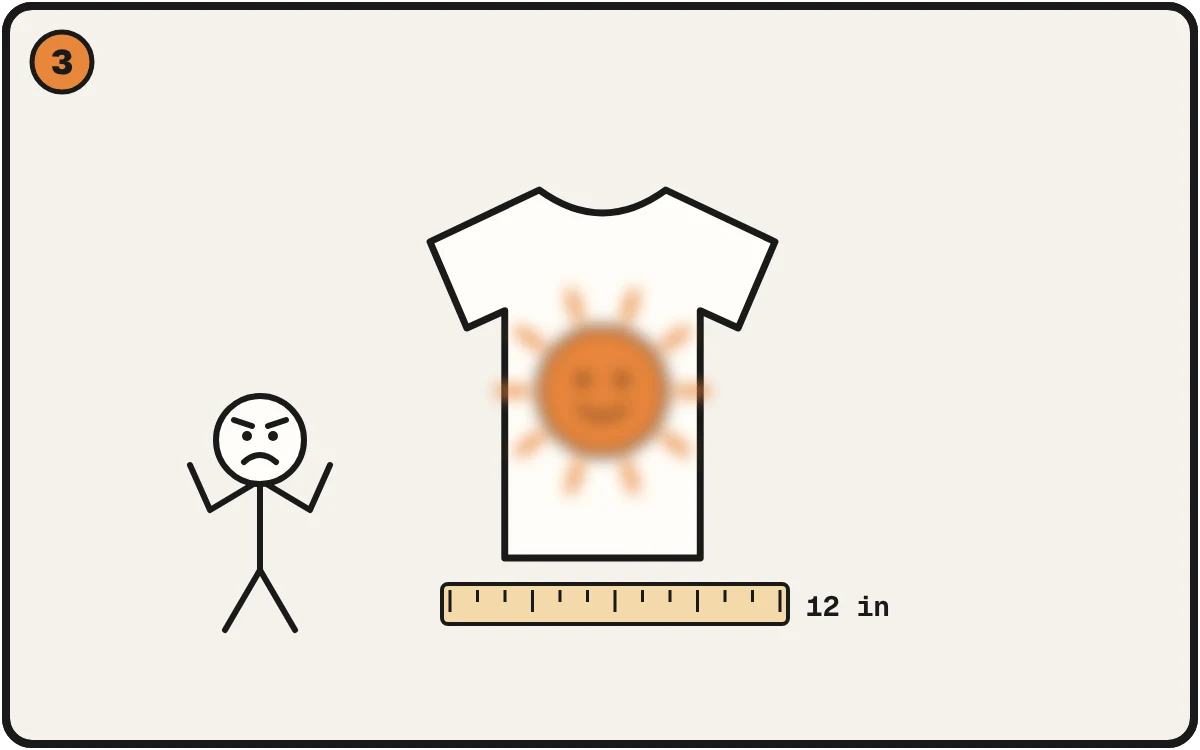
Stretched over 12 inches, the edges go soft. Check the size before you print.
What we saw
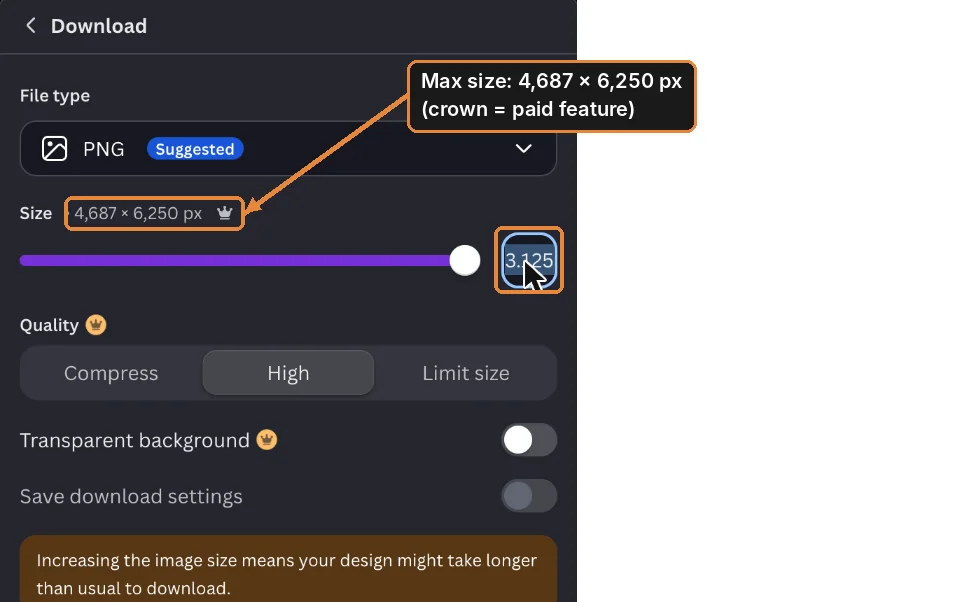
On November 6, 2026, we made a 12 × 16 inch design in Canva and opened the download panel. The default PNG was 1,500 × 2,000 pixels.
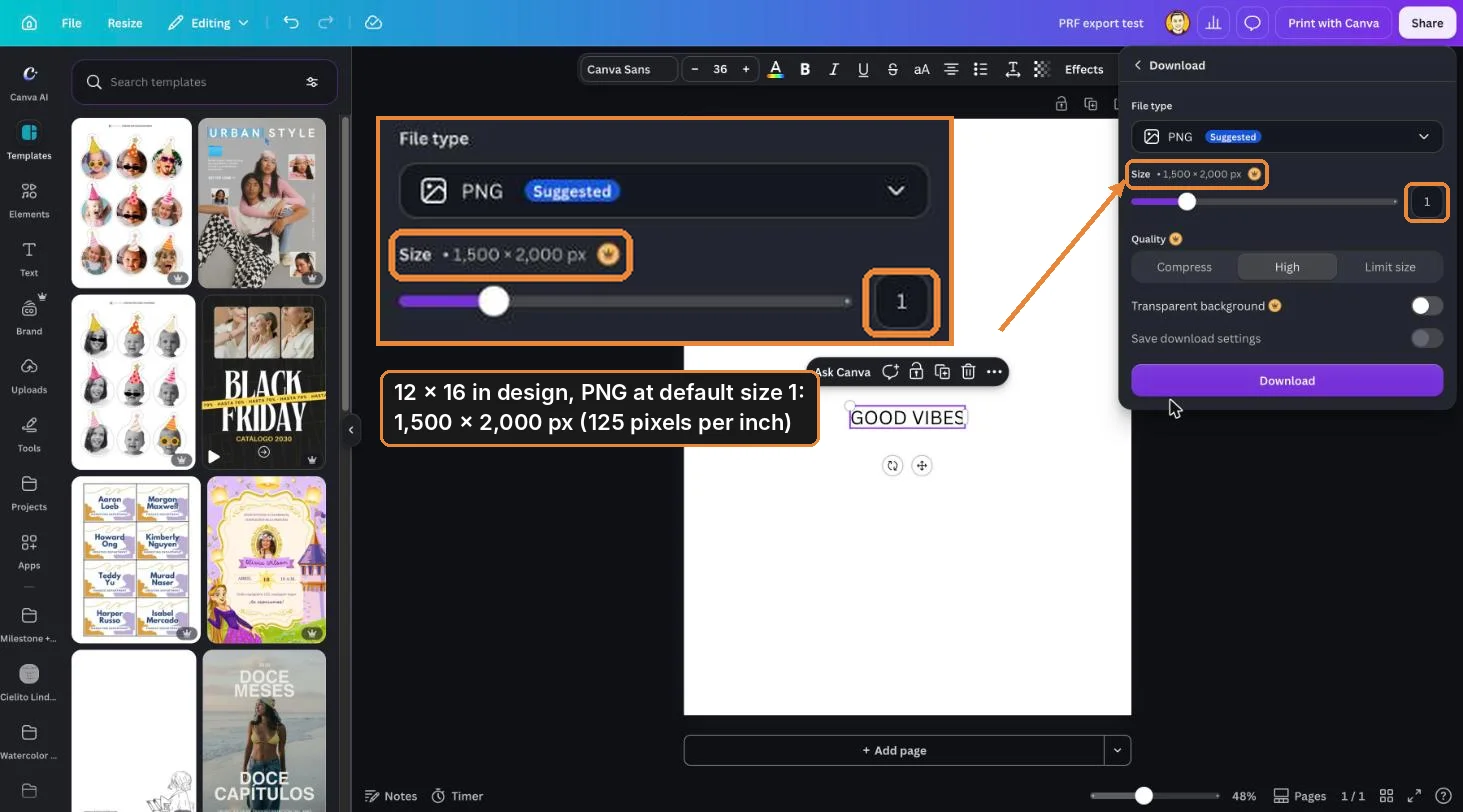
Bigger sizes are there, in a size slider. In our test it went up to 4,687 × 6,250. It sits behind a paid-plan crown, so many people never see it.
Why it prints soft
A 12 × 16 inch print at 300 pixels per inch needs 3,600 × 4,800. Your file has 1,500 across. Spread over 12 inches, that's 125 per inch, so the printer stretches the pixels and the edges go soft.
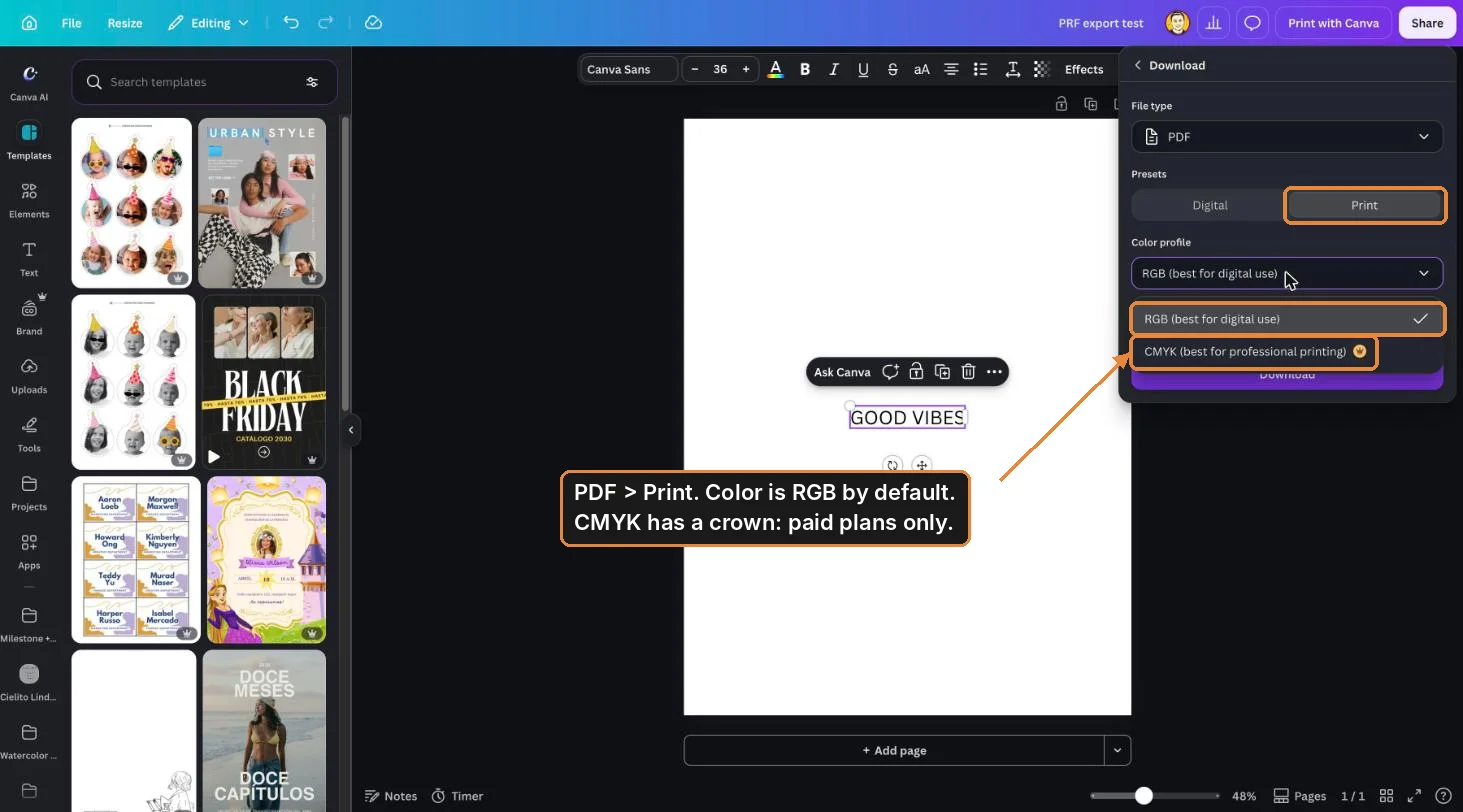
Colors can shift too. Canva exports RGB unless you choose otherwise, and CMYK is a paid option inside PDF, then Print.
How to catch it before you print
Do one division: pixels across ÷ inches you'll print = your real number. Aim for 300. 250 to 300 is the working range, depending on the size and type of artwork.
Or skip the math. Check a File Free. Choose your print size and it tells you if the file holds, with the fix next to anything that fails. A small file? Upscale 4x makes it sharp at print size.
More checks before you send a file: the DTF file checklist.